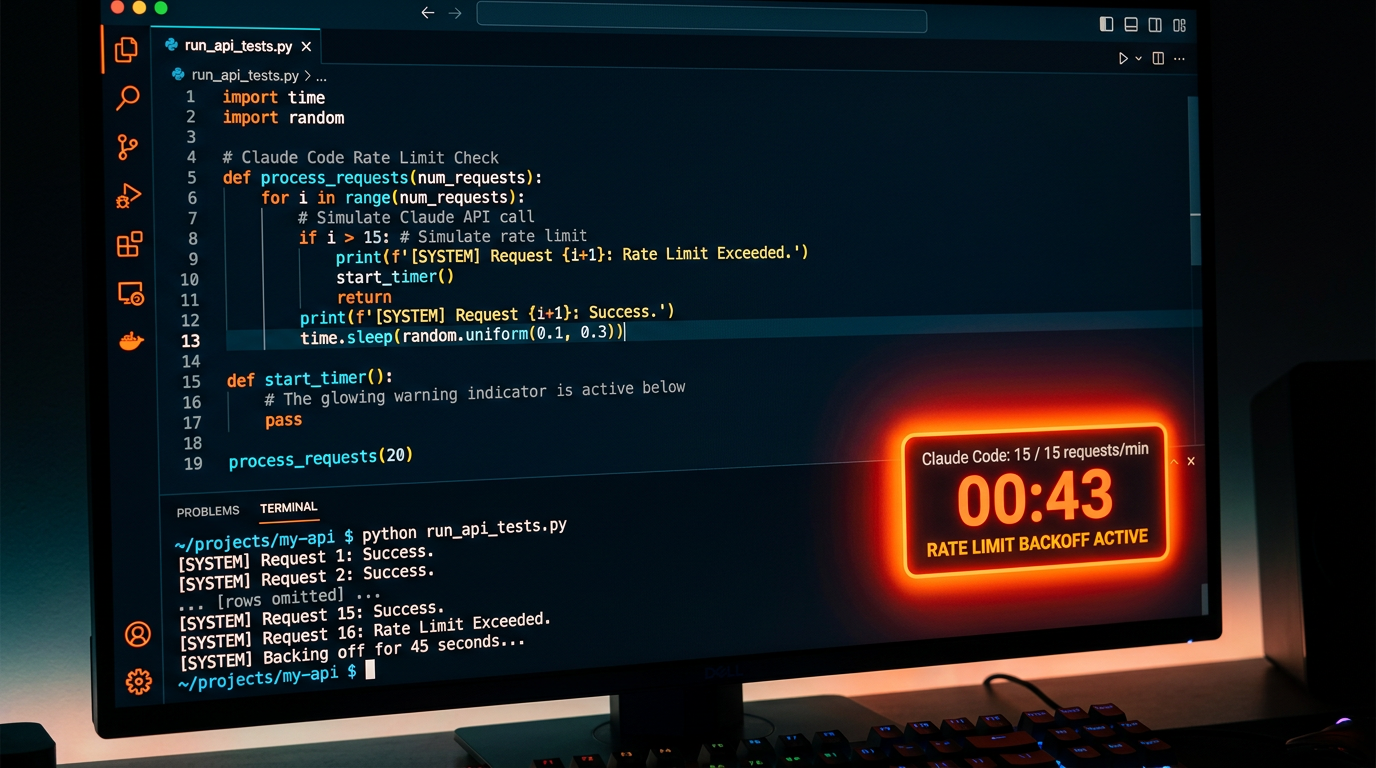
If you've been using Claude Code for longer sessions, you've likely hit this message: "Claude Code is approaching its usage limit." The 5-hour usage cap is one of the most searched topics among Claude Code developers — and one of the most misunderstood.
This article explains exactly what the limit is, why it exists, and the architectural approaches developers use to stay productive.
What Is the Claude Code 5-Hour Limit?
Claude Code enforces a usage limit that resets on a rolling basis — not a fixed 5-hour window. The actual behavior:
- Usage is measured by tokens consumed, not clock time
- The "approaching limit" warning appears when you've consumed a significant portion of your allocation
- Heavy usage sessions (large codebases, complex tasks) hit it faster than light tasks
- The limit resets after a waiting period (typically a few hours from your first request in the session)
The "5-hour" framing you see in searches comes from user-reported experiences — developers doing intensive coding sessions have found that 4–6 hours of active use typically triggers the limit. But it's more accurate to think of it as a token budget, not a time limit.
Why Does Claude Code Have Usage Limits?
Claude Code is built on Claude's API, which is a compute-intensive service. Anthropic manages capacity across all users through usage quotas. This is standard practice for API-based services and isn't unique to Claude Code.
The limits exist to:
- Prevent runaway usage that degrades service for all users
- Encourage more thoughtful, focused interactions
- Align usage with subscription tier value
Which Plans Have Higher Limits?
| Plan | Relative Limit | Best For |
|---|---|---|
| Claude.ai Pro | Baseline | Individual developers |
| Claude.ai Max | ~5× Pro limit | Power users, heavy sessions |
| API direct access | Configurable by spend | Teams and enterprise |
If you're hitting limits regularly on Pro, upgrading to Max is the most straightforward solution. For teams and production workflows, direct API access with spending limits gives you the most control.
Architectural Solutions: Building Limits Into Your Workflow
If you're hitting the limit regularly, that's a signal to rethink your workflow architecture rather than just waiting for the reset. Here are the approaches that work:
1. Scope Your Sessions
The most common reason developers hit limits: trying to load an entire large codebase into context at once. Instead:
- Work on one module or feature at a time
- Use
.claudeignoreto exclude irrelevant files - Start sessions with a clear, bounded task definition
2. Offload Capability Calls to External Tools
Claude Code hitting its limit is often because it's trying to do everything in-context: generating images for mockups, searching for documentation, producing output files. These capability-heavy tasks consume tokens without adding reasoning value.
Move capability calls out of Claude Code's context into external tool calls:
# Instead of asking Claude Code to "generate a hero image for this landing page"
# Have it call AnyCap directly:
anycap image generate \
  --prompt "Landing page hero: developer using a CLI tool, dark theme, minimal" \
  --model nano-banana-2 \
  -o /workspace/assets/hero.png
This keeps the visual task out of Claude Code's token budget entirely.
3. Use Structured Handoffs
When you're approaching the limit, use Claude Code to produce a structured summary before the session ends:
"Before we hit the limit, give me:
1. What we've completed
2. Current state of the codebase
3. Exact next 3 steps
4. Any blockers or decisions needed"
This structured handoff lets you start a fresh session without losing context.
4. Use Multiple Specialized Sessions
Instead of one long Claude Code session that does everything:
- Session 1: Architecture and design decisions
- Session 2: Implementation of specific module
- Session 3: Testing and debugging
- Session 4: Documentation
Each session starts fresh with a clear scope.
5. Cache Tool Outputs
If your workflow repeatedly calls the same external resources (documentation pages, API responses), cache them as files and have Claude Code read the cache rather than re-fetching:
# Cache docs once
anycap web crawl https://docs.example.com/api > /workspace/cache/api-docs.md

# Claude Code reads from cache, not live fetch
# Saves tokens and avoids rate limits on external APIs too
The Token-Efficient Claude Code Workflow
Developers who rarely hit the limit tend to share these habits:
- Tight task scoping: Each session has one clear goal
- External tool use: AnyCap handles image/video/search tasks, not in-context requests
- Progressive context building: Add files to context only when needed, not upfront
- Structured checkpoints: Regular structured summaries before session end
What to Do When You Hit the Limit Right Now
- Export your current state: Ask Claude Code for a structured summary immediately
- Save any in-progress files: Ensure all modified files are saved
- Wait for the reset: Typically 2–4 hours, depending on when you started
- Or switch to a fresh session: If the task is modular, a new session with a focused brief often works better anyway
Summary
The Claude Code usage limit isn't a bug — it's a quota tied to token consumption. The developers who work most effectively with it treat it as an architectural constraint that encourages better session design: smaller scopes, external tool delegation, and structured handoffs.
→ Add AnyCap capabilities to Claude Code → Guide: Add Tools to Claude Code