Guides x Claude Opus 4.7
Updated June 22, 2026
Claude Opus 4.7 image + video workflow
with AnyCap — one terminal, every modality.
This is the production workflow for Claude Code on Claude Opus 4.7 plus AnyCap. Opus 4.7 plans, codes, and reasons inside the terminal. AnyCap adds image generation, video generation, and visual understanding through one CLI. The combo is borderline insane: one agent, every modality, zero glue code. Follow the steps below to take a project from a launch visual to a finished walkthrough video without leaving Claude Code.
Prerequisites
- Claude Code installed and running on Claude Opus 4.7.
- Node.js 18+ available on your machine.
- A browser session for the AnyCap login flow.
Install once, then forget about it
Step 1 — install the AnyCap skill
npx -y skills add anycap-ai/anycap -a claude-code -y
Step 2 — install the AnyCap CLI
curl -fsSL https://anycap.ai/install.sh | sh
Step 3 — log in
anycap login
The image workflow — from idea to launch asset
Opus 4.7 holds the brief, picks the right image model, and iterates with you. The point is not the single command. It is that the agent stays in the same terminal session through every step.
Step 1
Brief Opus 4.7 in plain language
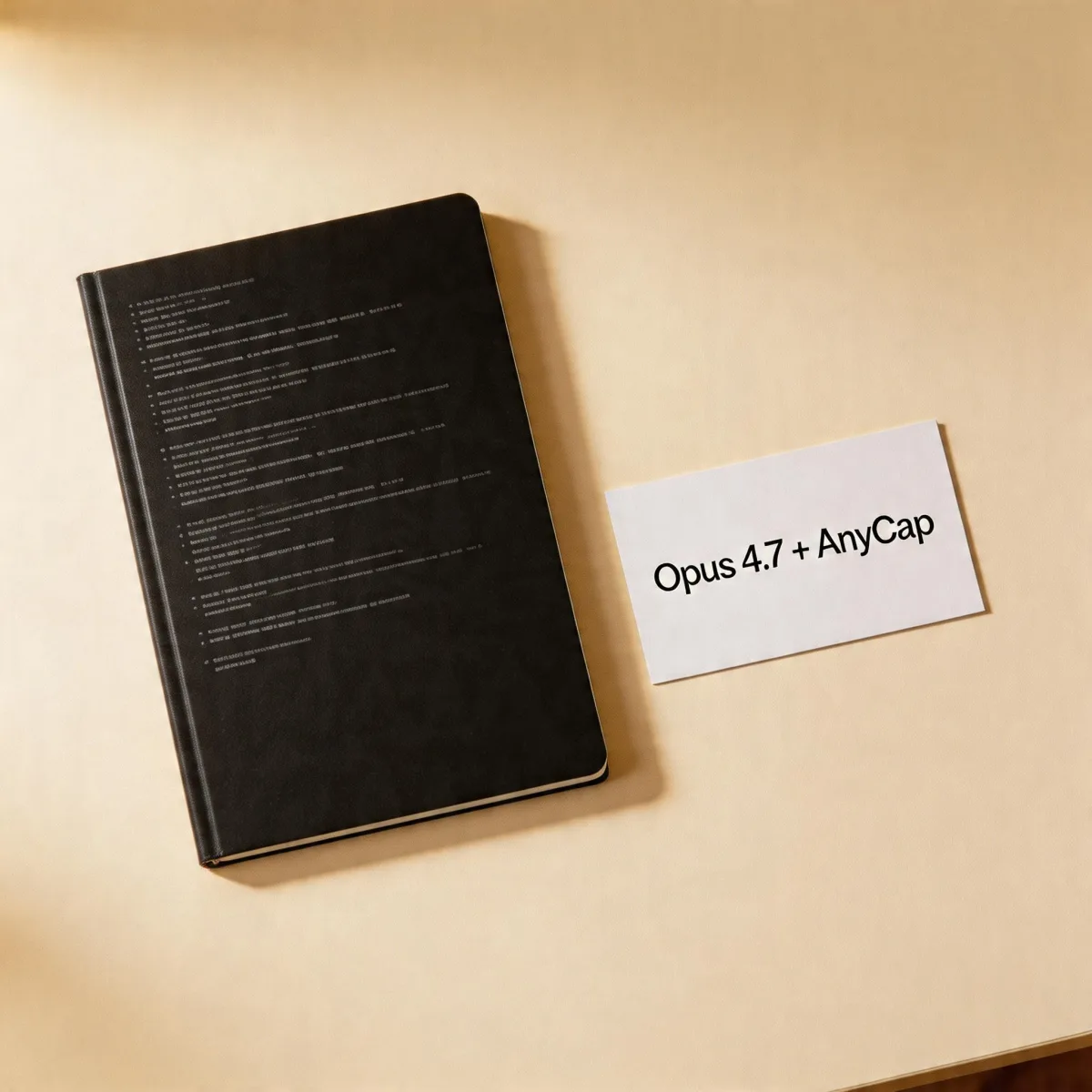
Tell Claude Code what you need: "Generate a launch visual for the AnyCap Opus 4.7 release. Off-white background, soft studio lighting, terminal motif." Opus 4.7 picks the right model — usually Seedream 5 for polished first-pass output.

Step 2
First image — Seedream 5
AnyCap routes the call. The image lands back in the conversation, and Opus 4.7 reasons about whether it matches the brief.
Generated by Opus 4.7
anycap image generate --model seedream-5 --prompt "launch visual on off-white background, soft studio lighting, terminal motif"

Step 3
Iterate with Nano Banana Pro
Once a reference exists, switch to image-to-image editing. Opus 4.7 will decide when to keep the same model and when to change it.
Image-to-image refinement
anycap image generate --model nano-banana-pro --mode image-to-image --prompt "add olive highlights and softer shadows" --param reference_image_urls='["./mockup.png"]'
Step 4
Hand the asset back to the codebase
Because Claude Code on Opus 4.7 is the same agent that produced the image, it can write the file into the right directory, update the page, and commit the change in one continuous loop.
The video workflow — from still to motion
Once the image is locked, the same agent promotes it into motion. Kling 3.0 is the strongest image-to-video pick — it preserves the still as the first frame and adds cinematic motion. Seedance 1.5 Pro is the production-friendly default when you need text-to-video that ships well across formats.

Step 1
Promote the still into image-to-video with Kling 3.0
When the image already works, image-to-video keeps the visual identity and adds motion on top. Compare the reference still on the left with the Kling 3.0 motion on the right — same frame, now alive.
Image-to-video
anycap video generate --model kling-3.0 --mode image-to-video --prompt "gentle parallax over the launch image" --param reference_image_urls='["./launch.png"]'
Step 2
Run a production-friendly variant with Seedance 1.5 Pro
Seedance is the right pick when you need repeatable text-to-video that ships well across formats.
Production-friendly variant
anycap video generate --model seedance-1.5-pro --prompt "6-second walkthrough of the new product page, soft cuts"
Step 3
Let Opus 4.7 handle the rest
Save the clip, update the marketing page, write the commit message, file the PR — Opus 4.7 keeps the loop closed because it is still the same agent that started the work.
Prompt tips that make Opus 4.7 + AnyCap genuinely insane
Tell the agent the goal, not the model
Say "I need a launch visual" instead of "call Seedream 5." Opus 4.7 already knows which AnyCap model is best for the goal — that judgment is part of why the combo works.
Hand it the reference image directly
Drop the file into the conversation. Opus 4.7 reads the image, then routes the right image-to-image or image-to-video command to AnyCap.
Treat image and video as one chain
The same brief usually wants both a still and a motion variant. Asking Opus 4.7 to plan the chain up front gives a much better final result than running each step in isolation.
Let the agent close the loop
Once the asset is approved, ask Opus 4.7 to wire it into the page, commit the change, and update any tracker. The combo is most insane when the agent does the boring last mile too.
Best next moves
Claude Code on Opus 4.7 hub
Primary landing page for the Opus 4.7 + AnyCap combo.
Claude Code image generation
Targeted image generation page with model picks.
Claude Code video generation
Targeted video generation page with model picks.
Claude Opus 4.7 capabilities
What Opus 4.7 does, what it doesn't, and what AnyCap unlocks.
FAQ
Do I need a separate image or video product to run this workflow?
No. AnyCap routes Claude Code on Opus 4.7 to the right image and video models through one CLI. There is no second product to install, no second login, and no second agent.
Which model should Opus 4.7 pick first?
For images, Seedream 5 is the strongest first pass. For image editing, Nano Banana Pro. For video, Kling 3.0 is the strongest image-to-video option, and Seedance 1.5 Pro is the production-friendly text-to-video default.
Can Claude Opus 4.7 chain image into video automatically?
Yes. Opus 4.7 can hold the brief across both steps, generate the still, then promote it into image-to-video using Kling 3.0 without leaving the conversation.
Is this faster than wiring separate provider SDKs?
Yes. The whole point of AnyCap is to remove the SDK glue. Opus 4.7 calls AnyCap commands as if they were native tools, so the workflow stays in one terminal session.
Where do I see real-time costs?
AnyCap uses pay-as-you-go pricing with one prepaid balance. Per-model rates and credit usage are available on the pricing page.