Your Game Needs a Soundtrack. Your Agent Can Make One.
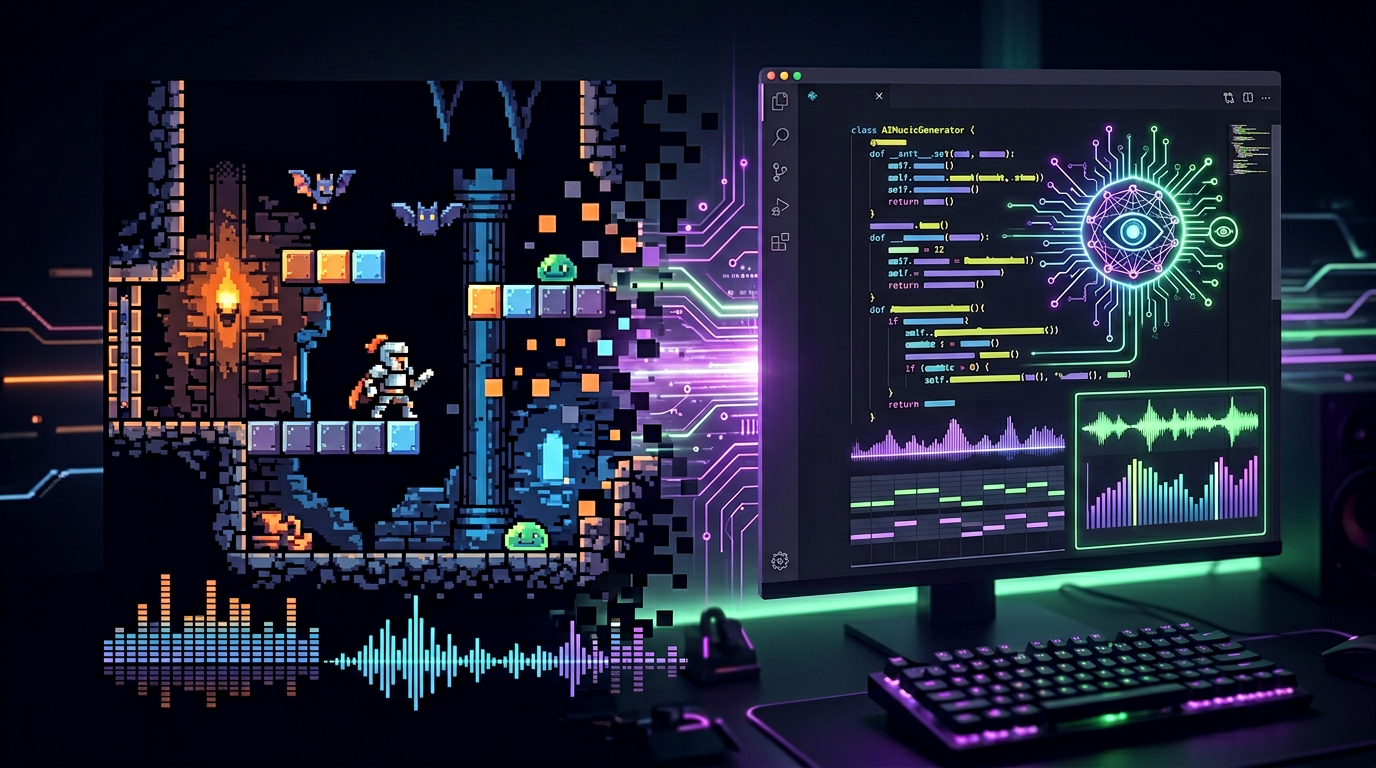
8-bit music is having a moment. Indie games, retro-inspired apps, and nostalgia-driven projects all need authentic chiptune soundtracks. But here's the thing most people miss: you don't need to be a composer to make NES-quality music anymore. Your AI agent can do it.
With AnyCap in Cursor, generating a chiptune loop is as straightforward as describing it. "8-bit adventure theme, upbeat, C major, loopable" — and your agent handles the rest. No DAW, no tracker software, no waveform editing.
The 8-Bit Music Ecosystem in 2026
The tools that dominate this space are remarkably accessible. They're mostly browser-based, free, and designed for manual tinkering:
| Tool | Style | Best For |
|---|---|---|
| BeepBox | Multi-channel chiptune | Full song arrangement with patterns |
| 8bitcomposer | Authentic NES/GameBoy sound | Pixel-perfect retro replication |
| JummBus | Modular synth-based | Experimental chip sounds |
| Chrome Music Lab | Beginner-friendly | Quick prototyping, education |
| Imagine.art Music Studio | AI-assisted 8-bit | Prompt-to-chiptune generation |
They all have one thing in common: you interact with them through a GUI. Click to place notes, drag to adjust tempo, export manually. They're great for humans. But they're slow for developers who need music as part of a build pipeline.
Why Use an Agent for 8-Bit Music?
Three reasons that matter if you're shipping software:
Speed. A human in BeepBox takes 20-40 minutes to create a decent 30-second chiptune loop. An AnyCap agent takes under a minute. When you need music for 50 game levels, that's the difference between a weekend project and a coffee break.
Consistency. An agent can apply the same style constraints across every track: same waveform palette, same tempo range, same key modulation rules. Your level 3 theme won't accidentally sound like it's from a different game than your level 7 theme.
Pipeline integration. This is the big one. An agent-generated 8-bit track lands directly in your project's asset folder — named, tagged, and ready for your game engine to reference. No manual download, no file renaming, no "where did I save that?" moments.
What the Keywords Tell Us
The 8-bit music niche is bizarrely underserved in search. The keyword 8 bit music generator online has a difficulty score of just 7 out of 100. Seven. That means almost nobody is writing content for people searching for this — yet it's a monthly search term from developers and creators who need retro music tools.
Other keywords in this cluster tell the same story:
retro music maker— KD 55, but low competition on the developer angle8bit song maker— KD 25, almost no technical content8bit music generator— KD 44, dominated by tool homepages, not guides
The content gap is real: nobody is writing about 8-bit music from a developer/agent perspective. This is blue ocean.
Automating 8-Bit Music with AnyCap
Here's what an agent-driven 8-bit pipeline looks like in practice:
Step 1: Define Your Style Constraints
Tell your AnyCap agent what you need:
generate an 8-bit chiptune loop for a space shooter game.
Style: NES-era, pulse wave leads, triangle bass.
Tempo: 150 BPM, upbeat and driving.
Duration: 30 seconds, should loop cleanly.
Step 2: Let the Agent Route to the Right Tool
AnyCap figures out which backend to use. For authentic NES sound, it might route to BeepBox's synthesis engine. For SNES-style sampled instruments, a different path. You don't specify the tool — you specify the output, and the agent picks the best route.
Step 3: Get the Asset, Already Named
The MP3 or WAV file appears in your project directory with a sensible filename. space_shooter_level_1.ogg — not untitled-export-3.wav. Your game engine references it directly.
Step 4: Iterate Without Starting Over
"Make it darker, slow it to 130 BPM, add a bass drop at the 15-second mark." The agent adjusts. No redoing the whole track from scratch.
Beyond Single Tracks: Procedural Music at Scale
Once you have one track working, the agent can generate variations programmatically:
levels = ["forest", "cave", "sky", "boss", "underwater"]
for level in levels:
    agent.generate_chipmusic(
        theme=level,
        style="NES",
        duration_seconds=45,
        output=f"./assets/music/{level}_theme.ogg"
    )
Five levels, five unique soundtracks, one loop. That's the difference between "I made a chiptune" and "my game has a procedural soundtrack engine."
8-Bit Style Switching
Different retro consoles had different sound chips, and each one sounds distinct. AnyCap agents can target specific hardware profiles:
- NES (2A03) — Two pulse waves, one triangle, one noise channel. The classic.
- Game Boy (LR35902) — Two pulse waves, one 4-bit wavetable. Lo-fi charm.
- SNES (SPC700) — 8-channel sampled audio. The lush 16-bit sound.
- Genesis (YM2612) — FM synthesis. That crunchy, metallic Sega sound.
Your agent can generate the same melody in all four styles and let you A/B test which fits your game best.
Get Started
Install AnyCap at anycap.ai/for, open Cursor, and try:
generate an 8-bit chiptune loop, NES style, upbeat, 140 BPM, 30 seconds, loopable
Your agent does the rest. The MP3 lands in your project folder. No BeepBox tab required.
More: programmatic music generation for developers | AI music APIs compared | automated music composition