Compare
Last updated April 7, 2026
AnyCap vs
OpenClaw Video Generation
If the goal is to get video generation working inside agents with the least setup friction, the practical difference is simple. OpenClaw gives you a flexible provider-routed video tool, but its public docs still start from bring-your-own provider access. AnyCap gives you one hosted account, one key, one balance, and one capability layer that also works beyond OpenClaw. That makes it the stronger fit when you want to start faster, avoid provider-account sprawl, and keep the workflow closer to generation plus sharing instead of generation alone.
Answer-first summary
Choose AnyCap when you want one key for multiple video models, support across OpenClaw plus other agents, a simpler hosted artifact workflow, and one prepaid balance. Choose OpenClaw when you prefer a native OpenClaw runtime, want to manage the provider layer directly, and need the broader public mode surface that includes videoToVideo.
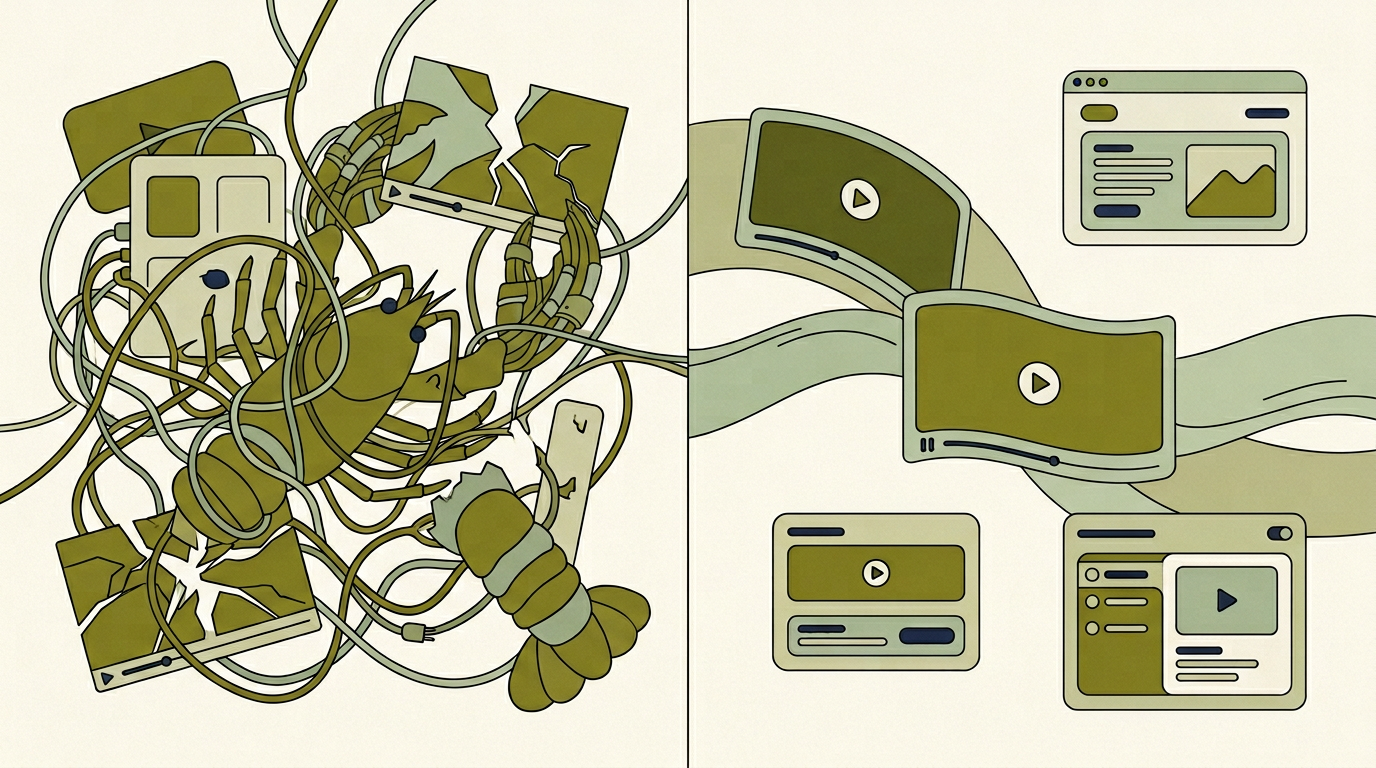
This hero visual was generated with AnyCap to compress the workflow contrast into one glance. The left side emphasizes the provider-key overhead story, while the right side frames AnyCap around cleaner video workflow orchestration and delivery.
Side-by-side comparison
| Dimension | AnyCap | OpenClaw |
|---|---|---|
| How video generation gets enabled | Create one AnyCap account, log in once, and use public video generation models through the hosted runtime. | The video_generate tool only appears after at least one video-generation provider is available. Public docs tell teams to set a provider API key or configure a default video model. |
| Credential model | One key and one balance across supported video models, so the team can start without separately funding multiple provider accounts. | Bring your own provider API keys for the video backends you want to use, and manage those provider accounts directly. |
| Public video surface today | Public pages center Veo 3.1, Kling 3.0, and Seedance 1.5 Pro through one CLI and one auth flow. | Public docs list 12 provider backends, each with different model options, limits, and capability notes. |
| Public mode coverage | Public positioning today emphasizes text-to-video and image-to-video workflows through one capability runtime. | Public docs explicitly support generate, imageToVideo, and videoToVideo, depending on the active provider and model. |
| Where it works | Works with OpenClaw and also with Claude Code, Cursor, Codex, Manus, and other agent setups that can call the CLI. | Native fit for OpenClaw itself, with strong runtime integration and a session model that routes work inside that environment. |
| Hosted artifact workflow | Hosted dashboard plus Drive and Pages, so generated artifacts can move into share links and publishing workflows from the same account. | Public docs focus on provider-backed generation, task lifecycle, and model routing rather than a hosted artifact-sharing surface. |
| Billing model | Pay-as-you-go with one prepaid balance and no subscription. | Public video-generation docs focus on provider setup rather than a hosted shared prepaid credit model. |
| Best operator model | Best when teams want managed capability access, less setup overhead, and one video layer they can reuse across multiple agent products. | Best when teams already want direct control over provider selection, mode breadth, and runtime behavior inside OpenClaw. |
Comparison reviewed against public docs on April 7, 2026. OpenClaw video claims on this page are based on the official public docs linked below.
Why teams switch
Where AnyCap pulls ahead
- One hosted account and one balance instead of separate provider onboarding before the first video test.
- One capability layer the team can reuse across OpenClaw, Cursor, Codex, Claude Code, and similar agent surfaces.
- A clearer handoff from generation to sharing because Drive and Pages live in the same product surface.
Fair reading
Where OpenClaw is stronger
- Public docs show a broader declared video surface, including generate, imageToVideo, and videoToVideo.
- The published provider matrix covers 12 backends, which is useful for teams that already manage the provider layer themselves.
- The async task lifecycle is explicit in the docs, which helps teams reason about queueing, status, and completion behavior inside OpenClaw.
Best fit by use case
Choose AnyCap if
You want one credential across video models, you also use agents besides OpenClaw, you care about a hosted artifact workflow, and you want generated videos to move naturally into share links or publishing flows without adding a second storage product.
Choose OpenClaw if
You are already standardized on OpenClaw, prefer bringing your own provider accounts, and want the broader published video mode surface and provider matrix inside the OpenClaw runtime itself.
How this comparison was reviewed
This page is intentionally scoped to video-generation workflow fit, not to every OpenClaw feature. The OpenClaw side of the comparison was reviewed against the public video-generation documentation available on April 7, 2026, especially the sections covering provider activation, runtime modes, the declared capability matrix, task lifecycle, and provider notes.
The AnyCap side of the comparison is based on currently published product pages for video generation, pricing, installation, and Drive. Claims on this page stay inside what a reader can verify from public sources: one login and one key positioning, pay-as-you-go pricing, a simpler hosted artifact workflow, and broader cross-agent portability.
Methodology note
If OpenClaw changes its hosted product surface, credit model, or public video capability matrix later, this page should be updated. The comparison is strongest when it stays tied to publicly verifiable workflow differences instead of broad category claims.
Source notes
Provider activation, runtime modes, declared capability matrix, task lifecycle, and provider notes.
Public video models, workflow positioning, and CLI examples.
Pay-as-you-go pricing and credit packs.
One CLI and one auth flow across multiple agent products.
Drive as the storage and sharing layer for generated artifacts.
FAQ
Is AnyCap a replacement for OpenClaw?
Not necessarily. OpenClaw is an agent runtime with its own tools and orchestration model. AnyCap is the capability layer you can plug into OpenClaw or use from other agent products when you want one hosted video surface instead of managing provider keys directly.
What is the biggest setup difference between AnyCap and OpenClaw video generation?
OpenClaw's public docs say the video_generate tool appears only after at least one provider is available. AnyCap is positioned around one account, one key, and one balance across supported capabilities, which reduces setup overhead when the goal is to start generating videos quickly.
Does OpenClaw support more public video modes than AnyCap?
Yes, based on the current public docs. OpenClaw explicitly documents generate, imageToVideo, and videoToVideo. AnyCap's current public video pages emphasize text-to-video and image-to-video workflows. That is why this page positions AnyCap around workflow simplicity and portability, not around winning every mode comparison.
Why can AnyCap still be the better fit for some teams?
Because many teams value operating simplicity more than raw provider breadth. If the goal is one key, one balance, cross-agent reuse, and a clearer handoff from generation to sharing, AnyCap can be the cleaner video workflow even when OpenClaw exposes more provider-side options.
Why mention Drive and Pages on a video generation comparison page?
Because video generation is rarely the final step. Teams usually need to hand the artifact to someone else, publish it, or keep it inside a hosted dashboard. AnyCap's advantage is strongest when the workflow includes generation plus sharing, not generation in isolation.
Related pages
Capability
AnyCap Video Generation
See the hosted video-generation surface, public models, and CLI positioning.
Guide
Install AnyCap
Install the CLI once and reuse the same capability layer across agents.
Artifact workflow
AnyCap Drive
Store generated videos and turn them into share links from the same account.
Agent page
Video Generation for Claude Code
See how the same video runtime carries into another agent environment.