Use Cases
By AnyCap Team · Last updated April 8, 2026
Easy memes to draw
work best when the shapes stay dumb
If you are looking for easy memes to draw, the win condition is not artistic detail. It is a very small number of readable shapes, one obvious expression, and a situation that feels funny before any caption is added. That same logic also makes the query a good fit for AnyCap image generation around Codex, Cursor, and Claude Code.
Answer-first summary
The easiest meme drawings are usually blob characters, stick figures, tiny office goblins, and simple reaction faces. Keep the shapes minimal, keep the emotion obvious, and only add text if the image alone is not enough.
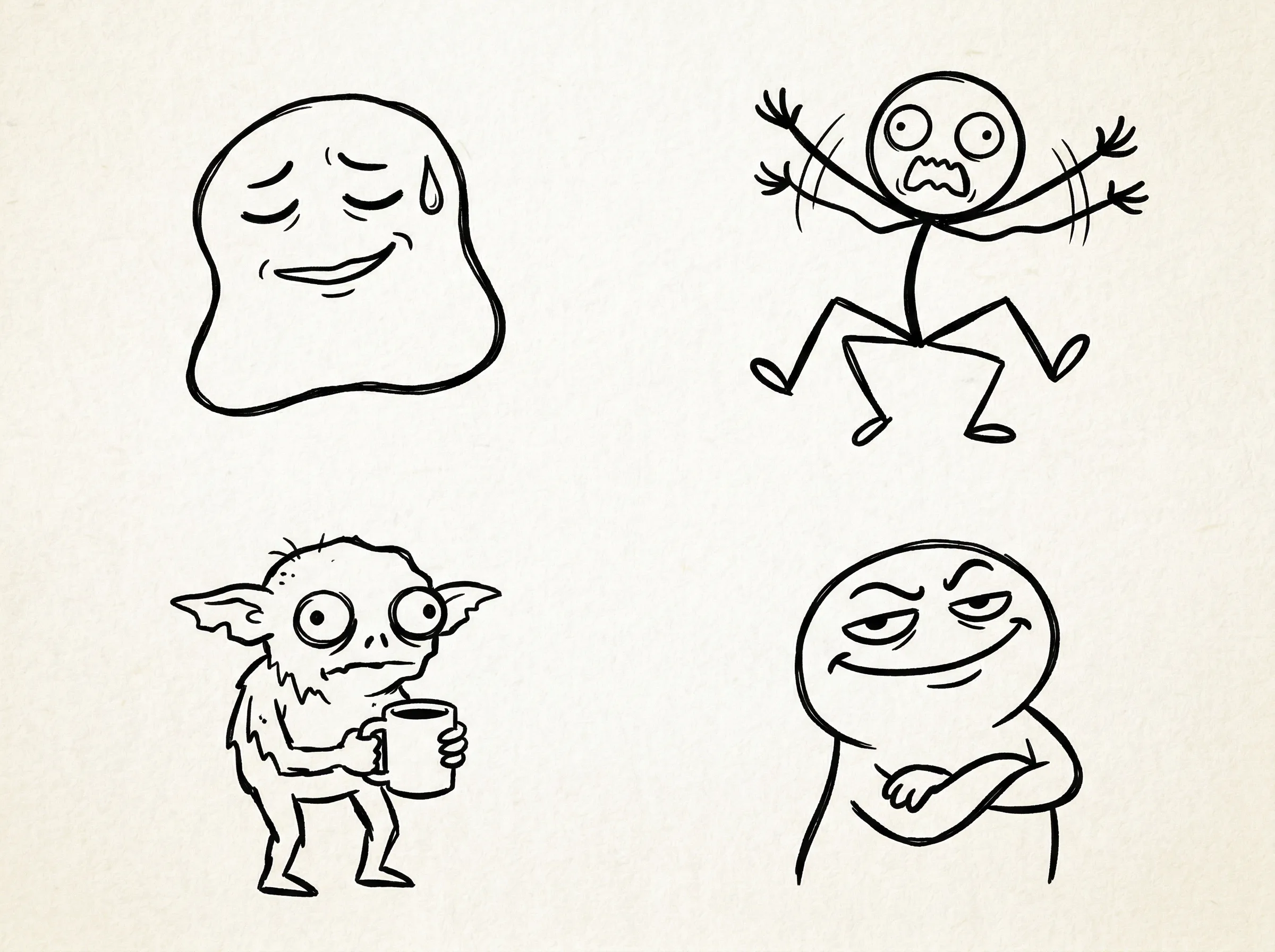
This hero sheet was generated with Nano Banana 2 and intentionally keeps the shapes simple. The point is not polish. The point is to make the visual logic obvious enough that a beginner or an agent can reuse it quickly.
Quick answer
Make the idea simpler than you think
Easy memes to draw do not succeed because the drawing is clever. They succeed because the expression and situation can be understood instantly. That is why this page is closer to a starter-sheet tutorial than a broad workflow explainer.
- The best easy memes to draw are usually not iconic templates. They are simple expression-driven doodles with one small absurd situation.
- Classic doodle is the best preset because it keeps the shapes minimal while still leaving room for exact text later.
- This page should feel more like a starter sheet and list-led tutorial than a broad workflow explainer.
Starter ideas
Six easy meme shapes worth repeating
Calm blob in chaos
A round blob character trying to act normal while something tiny goes wrong. This is one of the easiest reliable meme poses to repeat.
Stick figure panic
Use a very simple stick figure with raised arms, bent knees, and one exaggerated face. The energy does most of the work.
Coffee goblin
A tiny office creature holding coffee is easy to draw and instantly relatable for work-humor pages.
Overconfident smile
A simple creature with a smug face is enough to set up the joke before the inevitable tiny disaster arrives.
Bad-drawing reaction face
Keep the features awkward on purpose. The poor execution is part of the meme language here.
Mini comic strip
Three or four ultra-simple panels work better than one complex scene when the joke depends on escalation.
Drawing rules
Easy works because it stays readable
- Use circles, ovals, and straight lines before you add detail.
- Choose one expression per panel. Too many facial details make the drawing harder and weaker.
- Keep plenty of empty space if there is any chance you will add text later.
- Judge the idea at thumbnail size. If the emotion is not obvious small, the drawing is not simple enough.
Workflow
Five steps from idea list to simple usable meme
Step 1
Pick the easiest emotional shape
Decide whether the joke wants calm denial, panic, smug confidence, or confused disbelief before anything else.
Step 2
Generate a simple starter sheet
Ask for several beginner-friendly doodles on one page so you can compare shapes and expressions quickly.
Step 3
Choose the clearest repeatable character
Do not choose the fanciest drawing. Choose the one you could plausibly redraw or vary across another page.
Step 4
Turn one character into a panel or meme
Once the character works, use it for a single-image meme or a short comic strip with the same visual logic.
Step 5
Only add text if the image still needs it
Easy meme drawings are strongest when the facial expression already carries most of the joke.
Example sheet
Beginner-friendly does not have to mean boring
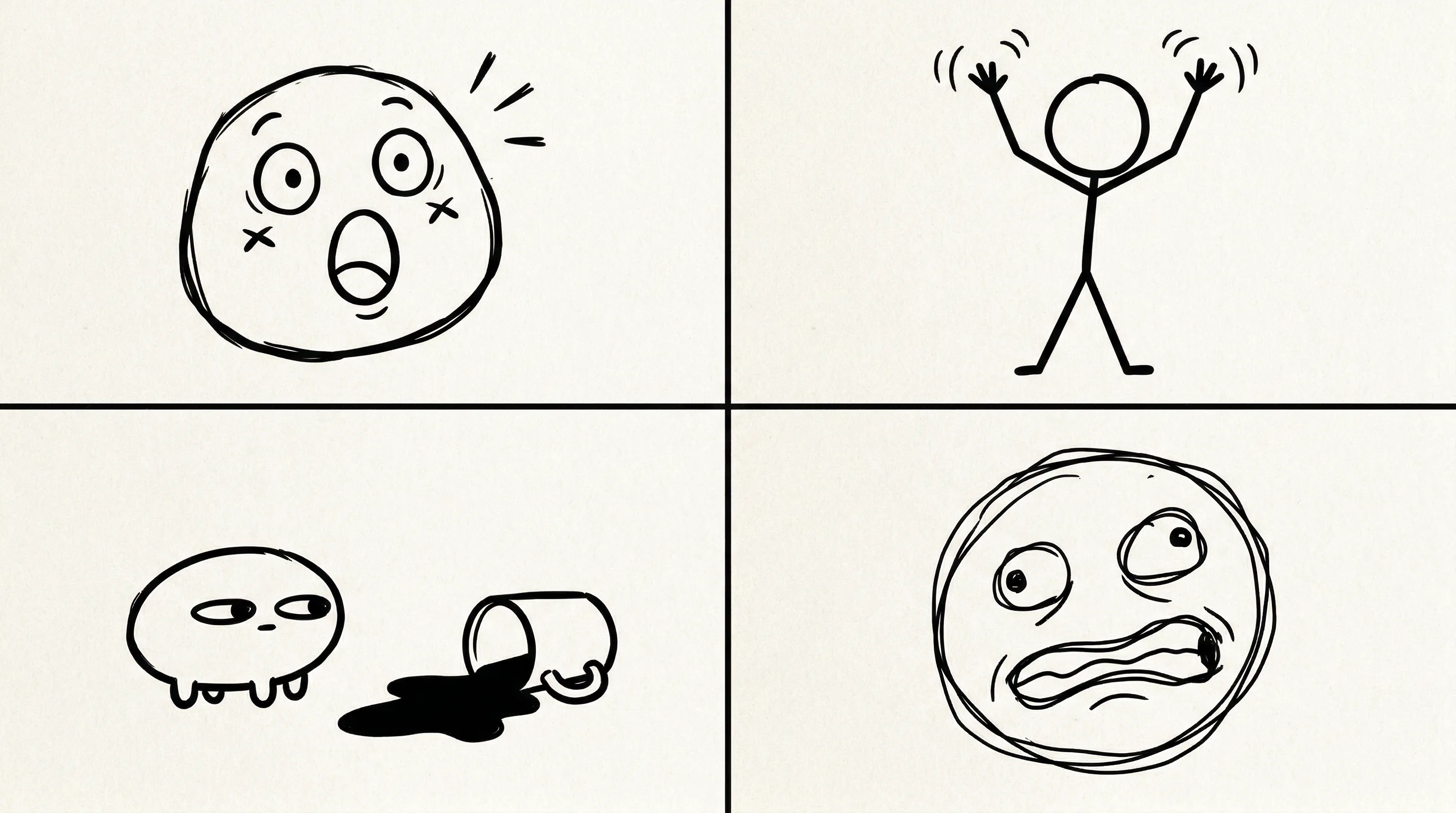
This collage keeps the shapes deliberately small and repeatable. That makes it a better fit for the query than a polished illustration style, and it also gives the product a more honest workflow bridge into the broader meme cluster.
SERP shape confirmed
Live SERP checks on April 8, 2026 showed easy memes to draw behaves more like inspiration, tutorial, and idea collection content than a pure product page query.
Workflow fit preserved
The page still stays product-led by showing how the same simple doodle logic maps into an AnyCap generation workflow.
Examples generated live
The hero sheet and collage were generated with Nano Banana 2 during page production instead of being mocked after the fact.
Command examples
Use one simple sheet before you branch out
Generate an easy meme starter sheet
anycap image generate \
  --model nano-banana-2 \
  --prompt "easy memes to draw, simple doodle character sheet, four very easy meme-style drawings on one page: blob character pretending to be calm, stick figure panicking, tiny office goblin holding coffee, simple overconfident smiley creature, thick sketch lines, minimal shapes, off-white paper texture, thumbnail-readable expressions, clear beginner-friendly simplicity, no words, no letters, no watermark" \
  --param aspect_ratio=4:3 \
  --param resolution=2k \
  -o easy-memes-to-draw-hero.png
Generate a simple panel set
anycap image generate \
  --model nano-banana-2 \
  --prompt "four-panel collage of easy memes to draw in a simple classic doodle style: panel one round blob with shocked face, panel two stick figure with hands up in panic, panel three tiny office creature side-eyeing a spilled coffee, panel four very simple bad-drawing reaction face, minimal shapes, thick sketch lines, off-white paper texture, beginner-friendly, no words, no letters, no watermark" \
  --param aspect_ratio=16:9 \
  --param resolution=2k \
  -o easy-memes-to-draw-collage.png
Check whether the design stayed simple
anycap actions image-read \
  --file ./easy-memes-to-draw-hero.png \
  --instruction "Describe the number of simple characters, whether the expressions are easy to read, and whether any accidental text appeared."
Common mistakes
The page gets worse when the drawings get smarter
- Starting with too much detail instead of a simple emotional shape.
- Using a polished illustration style when the query is clearly asking for easy-to-draw ideas.
- Making the page only inspirational with no workflow bridge back into the product.
- Treating every easy drawing idea as its own SEO page instead of keeping them grouped under one useful tutorial.
Next step
Move from easy ideas into the larger meme workflow
Funny Meme Drawings
Move here if you want the broader preset logic and cluster strategy behind this simpler starter page.
Main meme workflow
Return to the cluster anchor when you want the full workflow around captions, delivery, and repeatability.
Bad Drawing Memes
Go here if the joke gets funnier when the drawing becomes awkward on purpose instead of simply easy.
Image Generation
See the capability surface that powers the doodle variants and final visual selection.
Install AnyCap
Go here when you want to move from inspiration into a working CLI setup.
FAQ
Common questions before you turn easy drawings into pages
What makes a meme easy to draw?
The easiest meme drawings rely on simple shapes, one obvious expression, and a clear tiny-problem scenario. Blob characters, stick figures, and low-detail office creatures work best.
Is this page about hand drawing or AI image generation?
It is about both. The search intent leans toward inspiration and simple examples, while the workflow shows how AnyCap can generate starter visuals that match the same easy-to-draw logic.
Which preset should I start with?
Start with classic doodle. It is the easiest style to keep readable, flexible, and funny without drifting into overdesigned artwork.
Do easy meme drawings still need exact captions?
Only when the wording matters. Many easy meme drawings work because the expression and situation are obvious on their own.