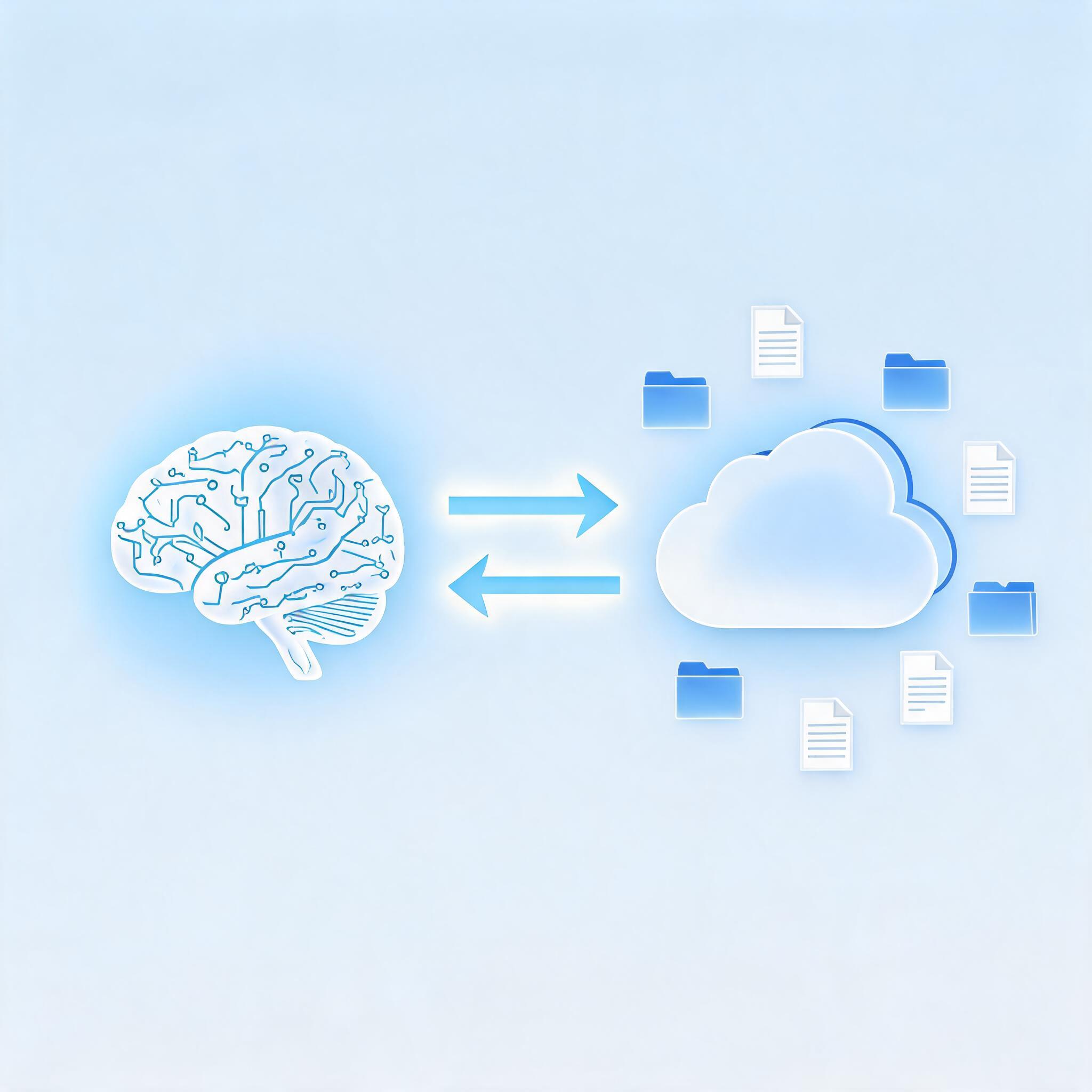
AI agents don't just think — they produce. Reports, images, videos, datasets, and documents. But where does all that output go? An agent that can research and generate but can't store or share its work is like a writer without a save button.
AI-powered file storage gives agents persistent memory and a way to deliver results. Instead of output vanishing when a conversation ends, agents can upload files to cloud storage, organize them, generate shareable links, and build libraries of reusable assets.
This guide explains what AI-powered file storage is, how it differs from traditional cloud storage, and how to give your AI agents persistent file access through a single command.
What Is AI-Powered File Storage?
AI-powered file storage is cloud storage designed for programmatic access by AI agents — not just humans clicking through a web interface. It's an API-first storage layer that agents can read from and write to as part of their automated workflows.
The key characteristics that distinguish it from traditional cloud storage:
| Feature | Traditional Cloud Storage | AI-Powered File Storage |
|---|---|---|
| Primary user | Human (web UI) | AI agent (API/CLI) |
| Access method | Drag-and-drop, folders | Programmatic upload/download |
| Sharing | Manual permission setting | Automatic shareable link generation |
| Organization | Manual folder structure | Agent-managed, metadata-driven |
| Integration | Separate service | Built into agent runtime |
Why AI Agents Need Their Own Storage
Traditional cloud storage assumes a human is doing the uploading, organizing, and sharing. AI agents operate differently — they need storage that:
1. Works Without a Browser
An agent can't log into Google Drive and drag files into a folder. It needs command-line or API access: upload this file, share this folder, list my stored assets.
2. Generates Shareable Links Automatically
When an agent finishes a task — generating a report, creating an image, producing a video — the output needs to be immediately shareable. The storage layer should return a public URL without extra configuration.
3. Provides Persistent Memory Across Sessions
Agents work across multiple turns and conversations. Storage gives them a persistent workspace where they can save intermediate results, reference past outputs, and build on previous work.
4. Handles Multiple File Types
Agents produce diverse outputs: markdown reports, PNG images, MP4 videos, CSV datasets, JSON configurations. Storage needs to handle all of these without format-specific configuration.
How AnyCap Drive Works
AnyCap Drive is the cloud storage layer built into the AnyCap agent runtime. It gives AI agents the ability to upload, list, share, and manage files through the same CLI they use for search, image generation, and publishing.
Uploading Files
# Upload a generated image
anycap image generate "A diagram of an AI agent architecture" --output architecture.png
anycap drive upload architecture.png

# Upload a research report
anycap drive upload market-analysis.md
Listing Stored Files
# See everything the agent has stored
anycap drive list

# Output:
# architecture.png  (image)  2026-05-04
# market-analysis.md (document) 2026-05-04
# hero-banner.png   (image)  2026-05-03
Generating Shareable Links
# Get a public URL for any stored file
anycap drive share architecture.png

# Returns: https://drive.anycap.ai/f/abc123/architecture.png
The Agent's Perspective
From the agent's point of view, Drive is just another tool in its toolkit — alongside search, image generation, and code execution. The agent doesn't distinguish between "creating content" and "storing content." It's all one workflow:
Goal: "Create a market report with charts and share it with the team"
→ Search for data
→ Generate charts as images
→ Write the report in markdown
→ Upload images to Drive
→ Deploy report as a published page
→ Share the Drive link in Slack
AI Storage vs. Vector Databases
A common point of confusion: AI-powered file storage and vector databases serve different purposes, but both are important for agent systems.
| AI File Storage | Vector Database | |
|---|---|---|
| Stores | Files (images, docs, video, code) | Embeddings (numerical vectors) |
| Purpose | Persistent output, sharing, asset management | Semantic search, RAG retrieval |
| Access pattern | Upload, download, share | Query by similarity |
| Example | AnyCap Drive | Pinecone, Weaviate, Qdrant |
They're complementary. A RAG pipeline uses a vector database to find relevant documents, then uses file storage to serve the actual files when needed.
Real-World Use Cases
1. Automated Report Generation
An agent researches a topic, writes a report in markdown, generates chart images, and uploads everything to Drive. The final output is a shareable folder containing the report and all its assets — no human copy-pasting into email attachments.
2. Media Asset Library
A content creation agent generates hundreds of images across multiple campaigns. Drive becomes the organized media library, with each asset accessible via URL for use in blog posts, social media, and web pages.
3. Agent Memory and State
An agent working on a multi-step task saves intermediate results to Drive. If the task is interrupted, the agent picks up where it left off by reading its stored state — not by redoing all the work.
4. Cross-Agent Collaboration
One agent researches and saves findings to Drive. Another agent reads those findings and generates content. A third publishes. Drive is the shared workspace that makes multi-agent workflows possible.
Best Practices for AI File Storage
Use descriptive filenames. Agents should name files meaningfully: q3-2026-market-analysis.md, not output-7.md. Good filenames make listing and retrieval easier.
Organize by project. Create folder structures: /reports/, /images/, /data/. Even though agents access files programmatically, organization helps with auditability and human review.
Clean up obsolete files. Storage isn't infinite. Agents should periodically remove temporary files and outdated drafts.
Link, don't attach. When delivering results to humans, share Drive links rather than emailing files. Links stay current even if the file is updated.
Track what's stored. Maintain a simple index of what's in Drive. It makes the agent's storage state visible and debuggable.
The Bigger Picture: Storage as a Capability
File storage isn't glamorous, but it's essential infrastructure for agentic AI. An agent without storage is stateless — every task starts from zero. An agent with storage can build.
AnyCap Drive gives agents this capability through the same unified CLI they use for every other tool. No separate service to configure, no API key to manage, no SDK to learn. Just anycap drive upload, and the file is stored, shareable, and ready for the next step in the workflow.