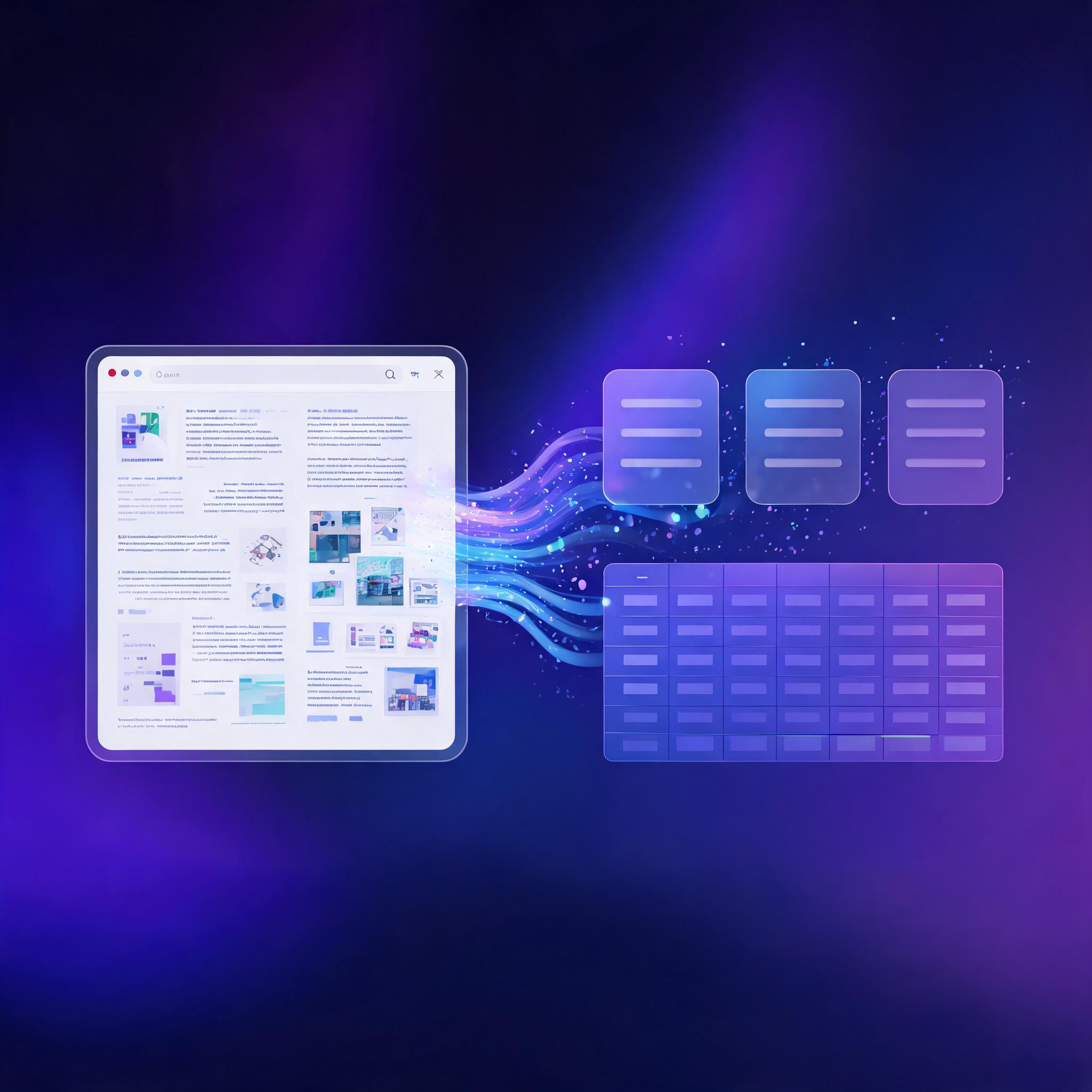
Web scraping used to mean writing CSS selectors, maintaining XPath expressions, and rebuilding your scraper every time a website changed its layout. AI web scraping changes the equation: instead of telling the computer where to find data on a page, you tell it what data you want — and AI handles the rest.
This guide covers how AI-powered web scraping works, what tools are available in 2026, and how to extract structured data from any website using natural language — no parser maintenance required.
What Is AI Web Scraping?
Traditional web scraping relies on fixed selectors: you inspect a page's HTML, find the right <div> or <table>, and write code to extract it. The problem: websites change. A redesign, an A/B test, or a minor layout tweak can break your scraper.
AI web scraping replaces fixed selectors with language models that understand page content semantically. Instead of:
# Traditional: brittle, breaks when the site changes
price = soup.select(".product-price .amount")[0].text
You write:
# AI-powered: understands meaning, survives layout changes
price = ai_scraper.extract("What is the product price?", url)
The AI reads the page like a human would — looking for meaning, not markup patterns.
How AI Web Scraping Works
AI scraping has three layers:
1. Rendering
The page is loaded in a real browser (or a headless one) to execute JavaScript, handle authentication, and render dynamic content. Traditional HTTP requests miss anything loaded by client-side scripts — AI scrapers don't.
2. Understanding
Instead of parsing CSS selectors, an AI model reads the rendered page content. It identifies entities (prices, names, dates), understands the page structure, and extracts information based on semantic meaning rather than DOM position.
3. Structuring
The extracted data is formatted into structured output — JSON, CSV, or a database insert. You define the schema once in natural language, and the AI populates it regardless of how the source page is laid out.
AI Scraping with AnyCap
AnyCap gives AI agents the ability to scrape web content through two complementary tools:
anycap crawl — Deep Page Reading
# Extract the full content of any page as clean markdown
anycap crawl https://example.com/pricing

# Returns the page content with navigation, ads, and clutter stripped
# Perfect for feeding into an agent's context window
anycap search --prompt — Grounded Data Extraction
# Ask a specific question about a page and get a grounded answer
anycap search --prompt "What are the pricing tiers on https://example.com/pricing?"

# Returns: "The pricing tiers are Starter ($10/mo), Pro ($50/mo),
#           and Enterprise (custom pricing). [citation]"
The combination gives you both breadth (crawl the full page) and precision (ask specific extraction questions). For an agent building a research report, it means reading source material and extracting exactly the information it needs — without writing a single parser.
AI Scraping vs. Traditional Scraping
| Traditional Scraping | AI Scraping | |
|---|---|---|
| Setup | Write selectors per site | Describe what you want |
| Maintenance | Breaks on site changes | Self-healing |
| JavaScript | Requires separate headless browser | Built-in rendering |
| Data format | Manual parsing | Automatic structuring |
| Speed | Fast (raw HTTP) | Slower (LLM processing) |
| Cost | Low per page | Higher (API/LLM costs) |
| Best for | High-volume, stable sites | Dynamic sites, research, ad-hoc extraction |
The tradeoff is speed vs. flexibility. If you're scraping 100,000 product pages from a stable e-commerce site, traditional scraping with fixed selectors is more cost-effective. If you're extracting data from 50 different sites with varying layouts — or building an agent that needs to read arbitrary web pages — AI scraping wins handily.
Common Use Cases
Market Research
Extract competitor pricing, product features, and customer reviews across dozens of sites. AI handles the variation in page layouts so you don't write 20 different parsers.
# One command to price-check across competitors
anycap crawl https://competitor-a.com/pricing > comp-a.md
anycap crawl https://competitor-b.com/pricing > comp-b.md
Lead Generation
Scrape business directories, conference attendee lists, and "About Us" pages for contact information. AI identifies email patterns, job titles, and company details without fragile regex.
Content Monitoring
Track when competitors publish new content, update their pricing, or change their messaging. Set up automated crawls and diff the results.
News and Trend Analysis
Scrape news sites, forums, and social platforms for mentions of specific topics. AI can categorize sentiment, extract key claims, and summarize trends across hundreds of articles.
Academic and Scientific Research
Extract findings, methodologies, and statistics from research papers across different formats and publishers. AI handles PDF extraction, varied layouts, and domain-specific terminology.
Legal and Ethical Considerations
AI web scraping doesn't bypass legal obligations. Before scraping any website:
Check robots.txt. This file tells crawlers which paths are allowed. Respect it.
anycap crawl https://example.com/robots.txt
Review Terms of Service. Some sites explicitly prohibit automated access. Scraping in violation of ToS can lead to legal action.
Respect rate limits. Don't hammer a server with requests. Space your crawls and respect 429 Too Many Requests responses.
Handle personal data carefully. If you're scraping information about individuals (names, emails, locations), GDPR, CCPA, and similar regulations may apply.
Don't republish scraped content. Extracting data for analysis is one thing. Republishing someone else's content as your own is copyright infringement.
The rule of thumb: scrape responsibly, respect boundaries, and use the data for analysis — not duplication.
Choosing an AI Scraping Approach
| Approach | Best For | Example |
|---|---|---|
| CLI-based (AnyCap) | Ad-hoc research, agent workflows | anycap crawl + anycap search --prompt |
| API-based (ScrapingBee, Oxylabs) | High-volume, production pipelines | REST API with proxy rotation |
| Framework-based (Scrapy + AI plugin) | Custom scraping with developer control | Scrapy + LLM middleware |
| No-code tools (Browse AI, Octoparse) | Business users, one-off extractions | Point-and-click interface |
The right choice depends on your volume, technical expertise, and whether you're scraping as part of an automated agent workflow or a human-driven research process.
The Future: Agent-Native Scraping
The most significant shift in web scraping isn't the technology — it's who's doing the scraping. AI agents are becoming the primary consumers of web data, scraping pages not because a human asked for a CSV export, but because the agent determined it needed that information to complete a task.
In this world, scraping isn't a standalone tool — it's one capability in an agent's toolkit, alongside search, analysis, content generation, and publishing. The agent crawls a page, extracts what it needs, synthesizes it with other sources, and produces a finished output — all without a human writing a single selector.